

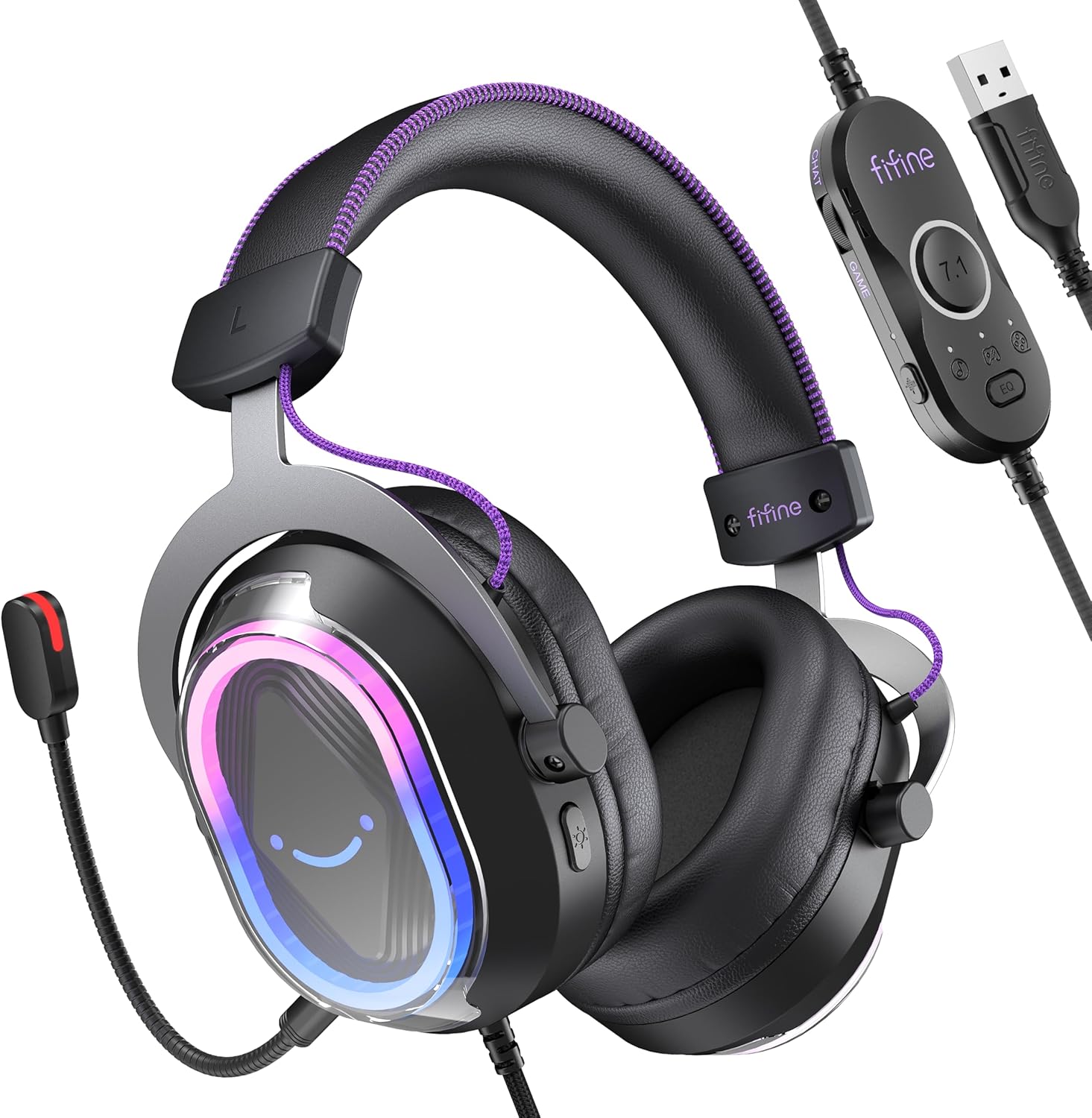

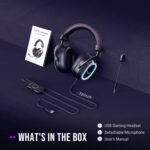


FIFINE Wired USB Gaming Headset: 7.1 Surround Sound – Vibrant Customizable RGB – Game/Chat Balance, Gamer Headphone with Noise Canceling Mic for PC, PS5/PS4, Laptop, Mac – AmpliGame H13BP
Original price was: $54.99.$6.99Current price is: $6.99.
Price: $54.99 - $6.99
(as of Dec 02, 2025 01:50:28 UTC – Details)
Product description


The video showcases the product in use.The video guides you through product setup.The video compares multiple products.The video shows the product being unpacked. H13 promotional video Merchant Video


1 Headset for Gaming
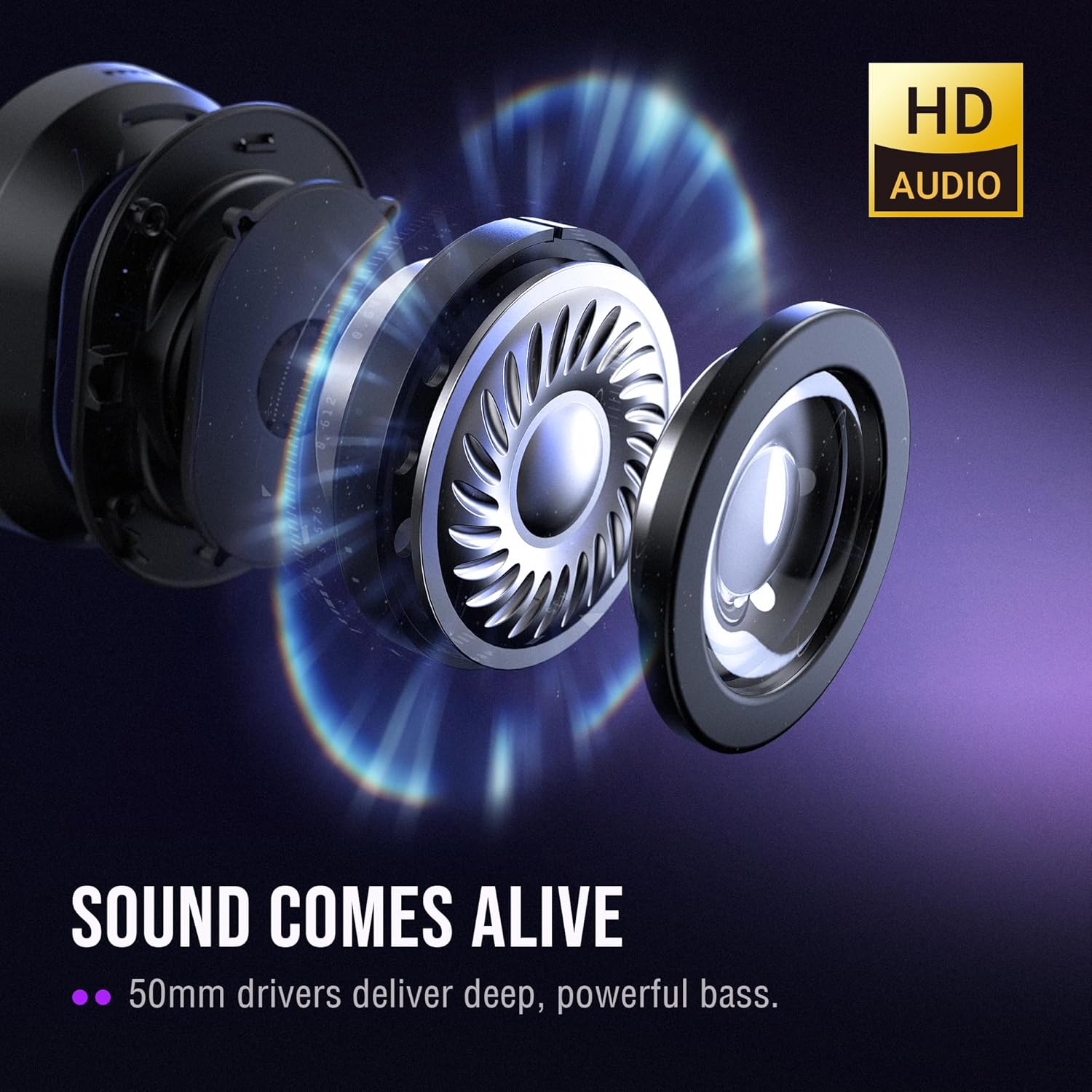
2 50mm Dynamic Drivers
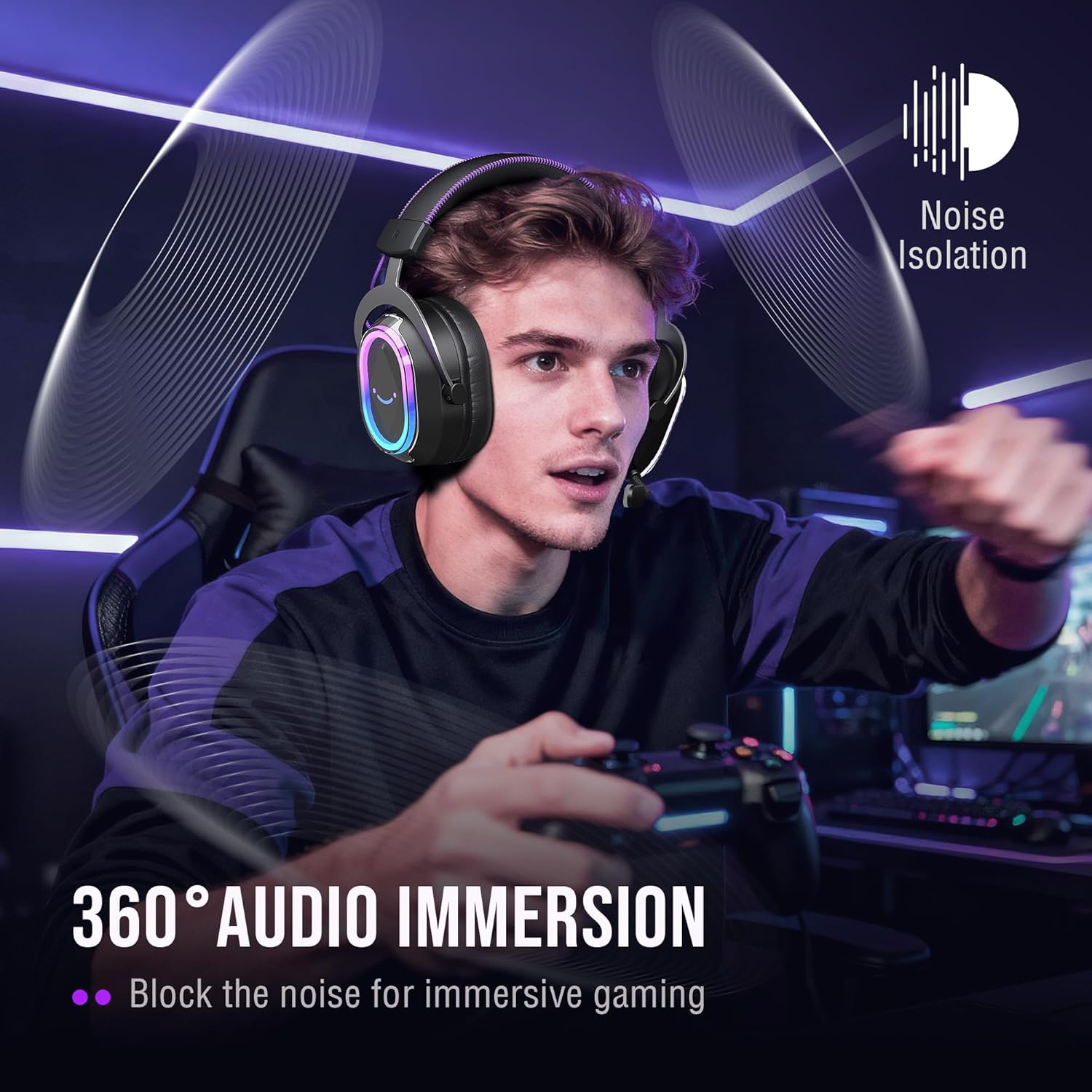
3 Noise Cancelling
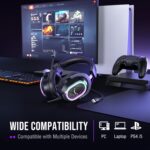
4 Wide Compatibility


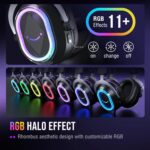
1 Dynamic RGB
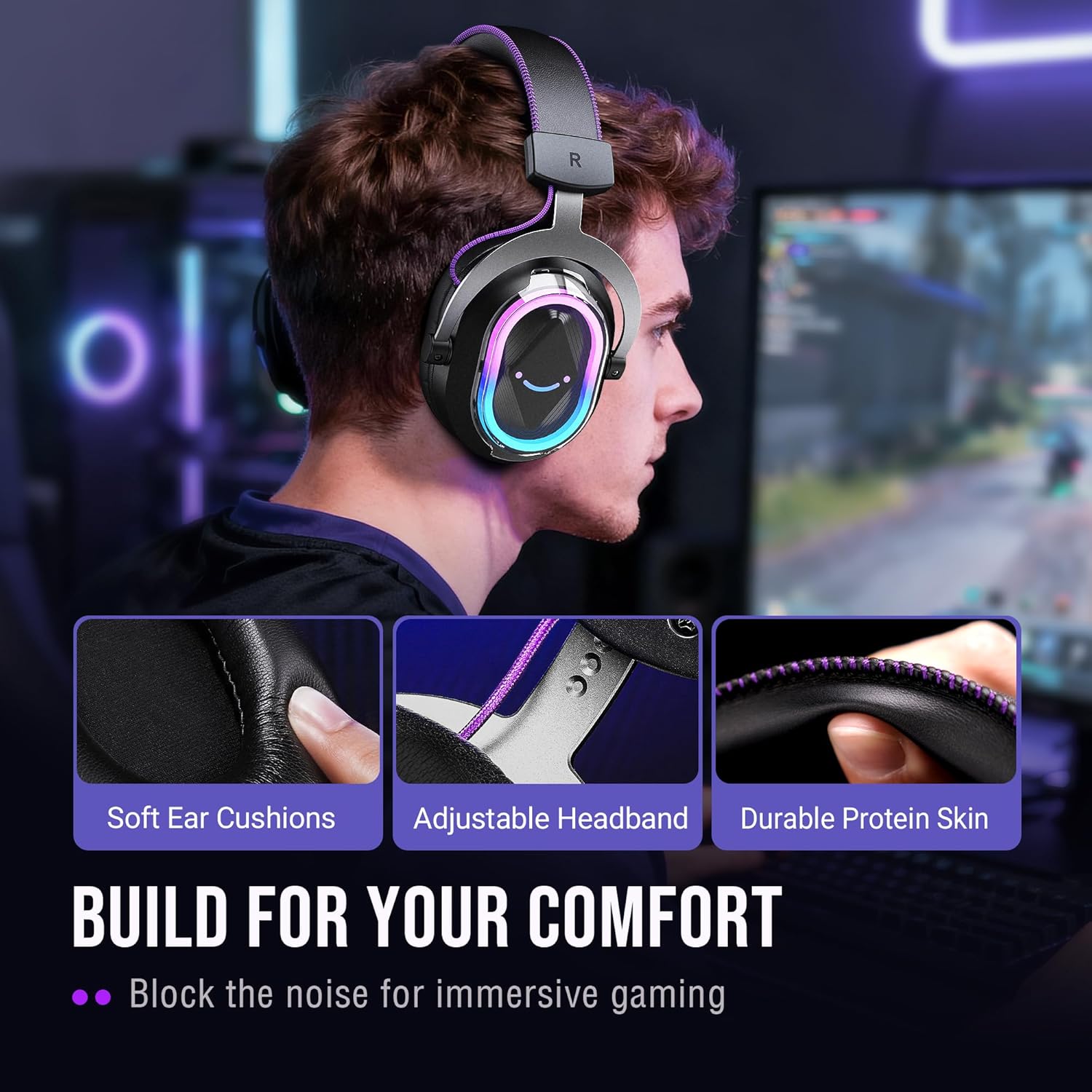
2 Ergonomic Design
3 Noise Canceling Mic
4 4 EQ Modes
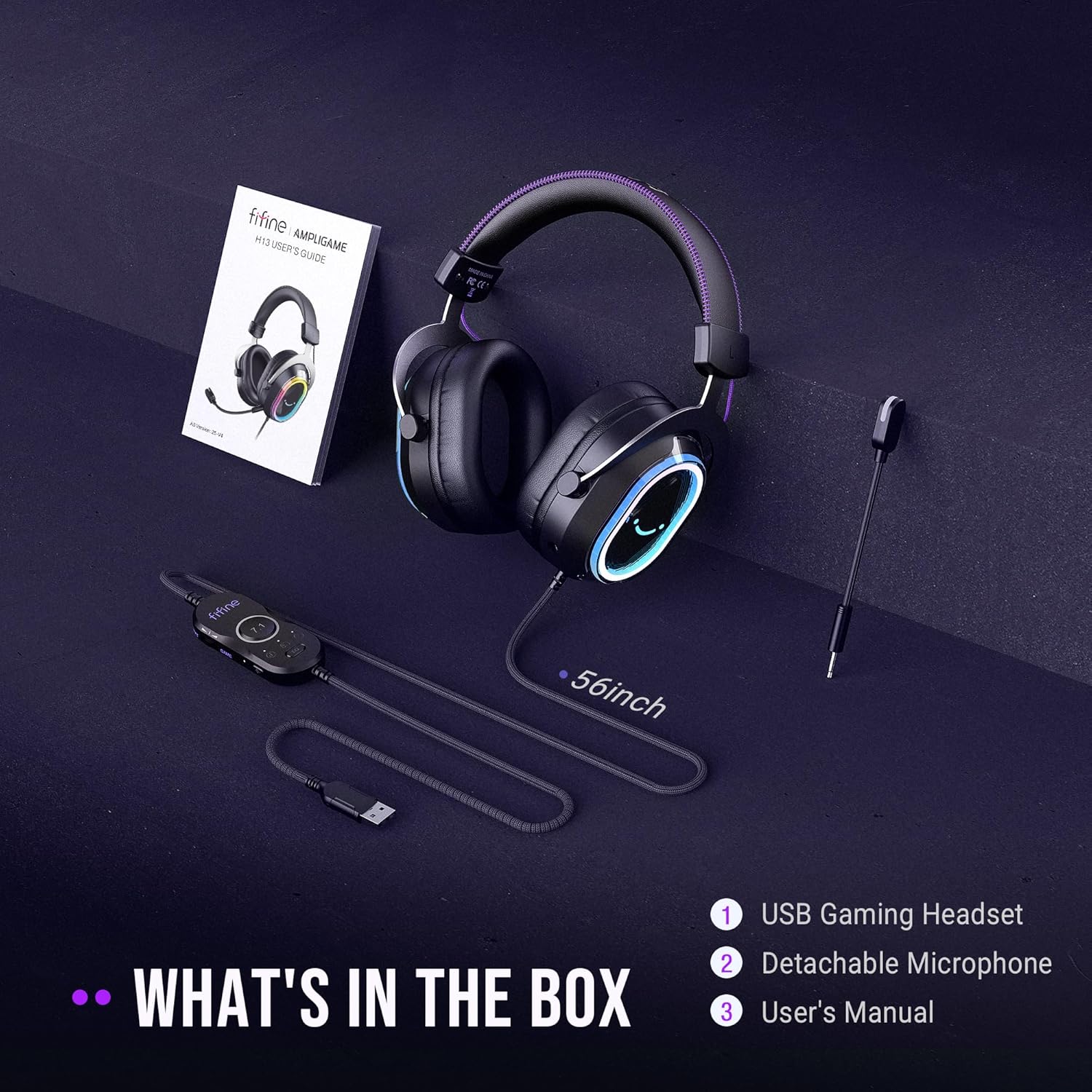
USB Gaming Headset-H13
FIFINE Headset/Headphone
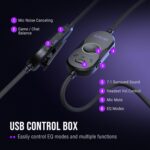
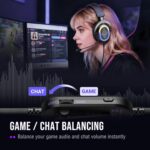
Game/Chat Balance
EQ control
Controllable RGB
Active NC Mic
32Ω±15%
Impedance
32Ω±15%
7.55ft (2.3m)
Cable Length
Total 10ft (3.15m)
Gaming/Streaming
Suitable for
Gaming/Streaming
Game/Chat Balance
EQ control
Controllable RGB
Active NC Mic
32Ω±15%
Impedance
32Ω±15%
7.55ft (2.3m)
Cable Length
6.6ft (2m)
Gaming/Streaming
Suitable for
Gaming/Streaming
Game/Chat Balance
EQ control
Controllable RGB
Active NC Mic
32Ω±15%
Impedance
32Ω±15%
7.55ft (2.3m)
Cable Length
Total 4.9ft (1.5m)
Gaming/Streaming
Suitable for
Gaming/Streaming
3.5mm/USB Game Headset-H9 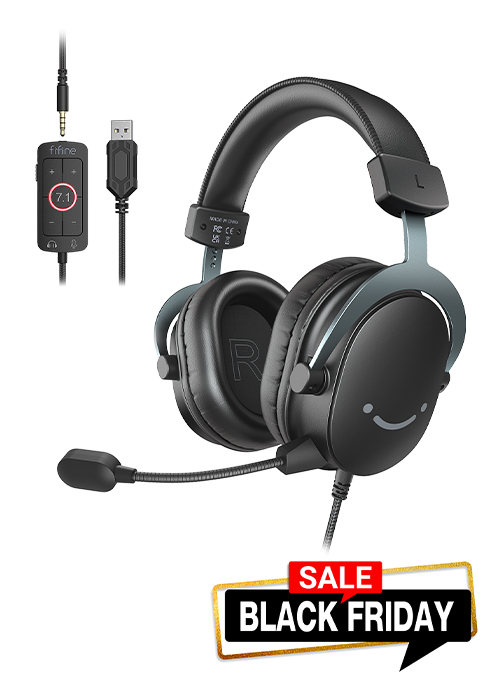
USB Gaming Headset-H6 
3.5mm Gaming Headset-H3 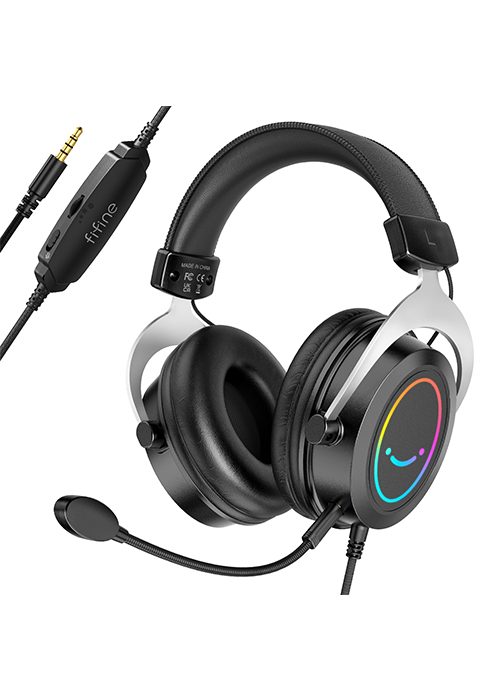
What type of connectivity and ports does the Fifine H13 offer?
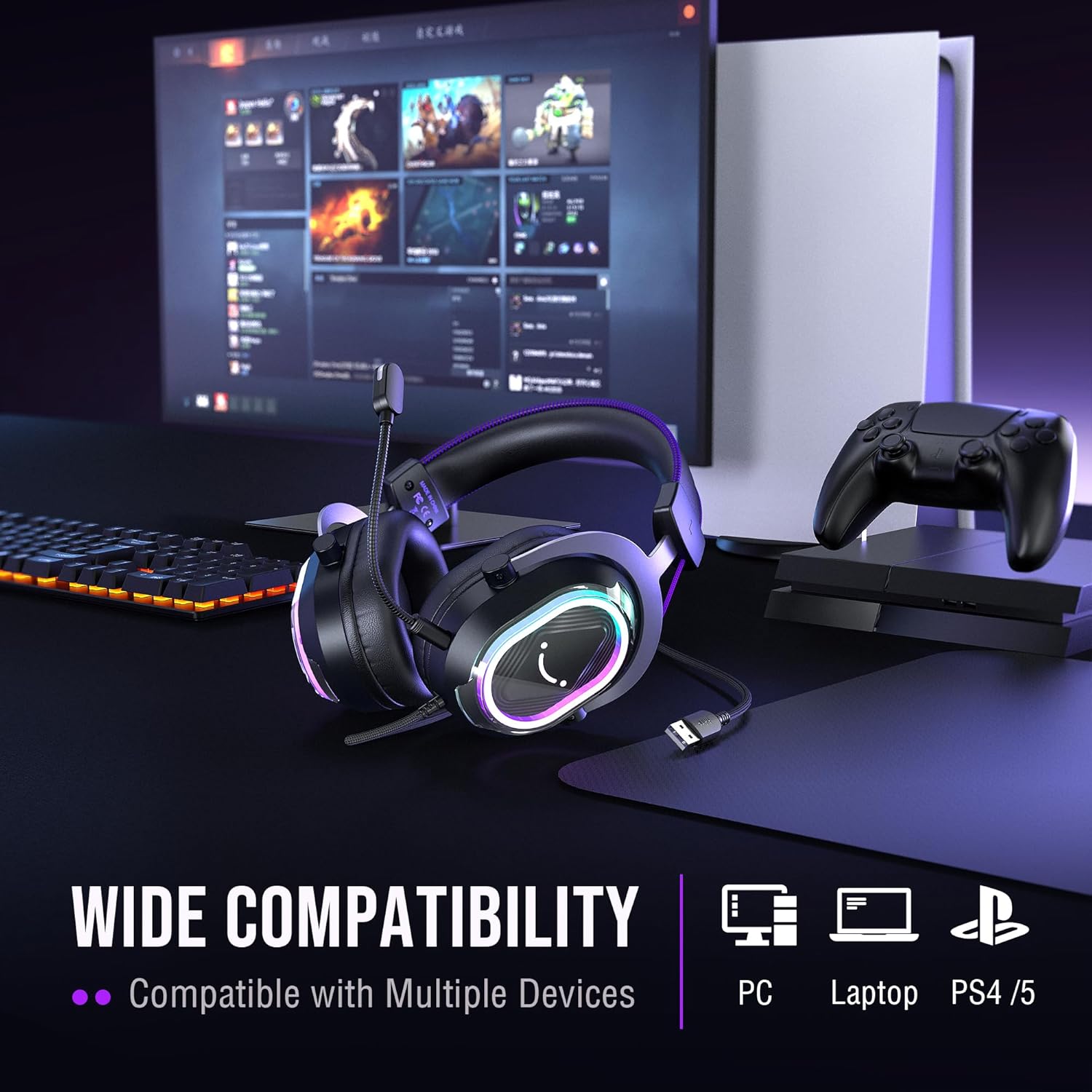
The Fifine H13 gaming headset connects to the PC, Laptop, PS4/PS5 via USB-A. Not compatible with Xbox.
What type of microphone does the Fifine H13 headset have?
The headset has a detachable omnidirectional mic with a built-in indicator light that provides a clear mute reminder. Make sure to align the detachable mic with the tiny slot of the jack. The red indicator on the mic will turn on after installation.
How to control the RGB lighting effects on the H13 headset?
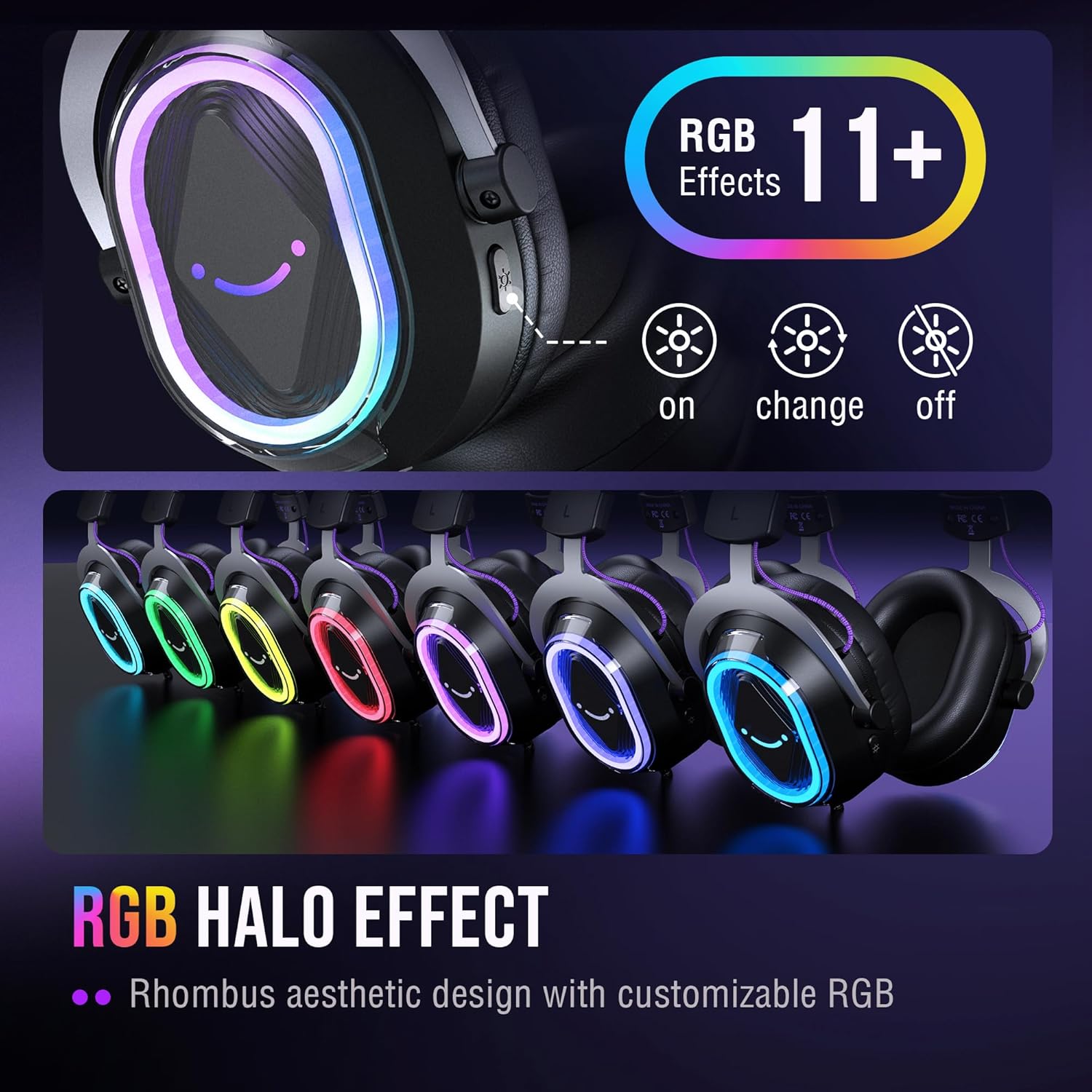
You can control the RGB lighting through the buttons on the back of the headset. Click to switch between 11 preset RGB lighting effects, and you can also long press the button to turn off the RGB lighting effect.
How to switch th EQ modes of the gaming headset?
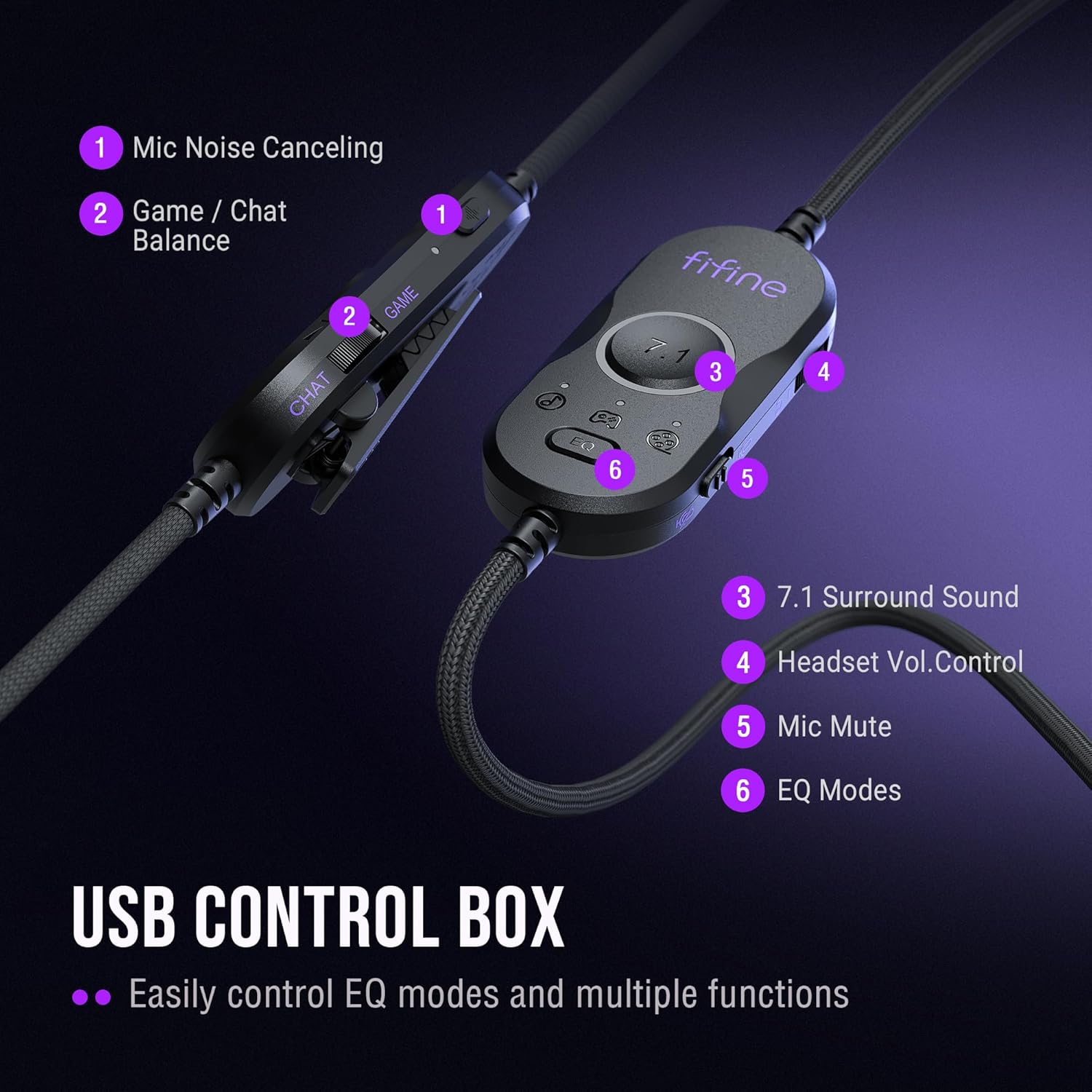
You can find the EQ mode switch key on the USB control box, and click to switch from the default mode to game mode, music mode and movie mode. Long press the switch key to switch to the default mode.
How to turn up the volume level of the gamer headset?
You can find the volume control roller on the USB control box. Turn the wheel towards the “+” / “-” to turn up or down mic volume via the USB control box of gaming headset or computer setting.
[Experience Next-Gen Sound] Elevate your holiday gaming with the Fifine H13 headset, the perfect Christmas gift for gamers. The new-gen 50mm dynamic driver of this gaming headset offers audio boost across high, mid, and low frequencies, elevating your listening experience. The 7.1 surround sound blurs the line between the game and reality. Whether you’re aiming in FPS or dodging in ARPG, this gaming headset brings you into the action with clarity and power that feels real.
[Stylish Rhombus-Frame with Dynamic RGB] Crafted with a futuristic rhombus shell and transparent earcups, this Black and Purple gaming headset with RGB catches the eye before the game even begins. Designed for streamers and gamers, you can long press the headphone button to toggle the RGB lights on or off. With just one click, you can switch between 11 lighting modes to set a vibrant holiday atmosphere that captivates your audience on Twitch, YouTube, or Discord—making it a truly eye-catching christmas gift for games this season.
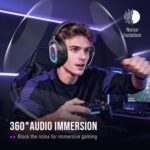
[Comfortable Ergonomic Design] Designed for long sessions, the Fifine H13 headset features protein skin ear pads and soft memory foam cushions for all-day comfort. The PS5 headset with adjustable headband ensures a snug fit for any gamer, while the closed-back ear cups provide effective passive noise cancellation. Stay focused and immersed, blocking out distractions while playing for hours. A thoughtful and practical present for Christmas.
[Designed for Multiple Platforms] This wired headset uses USB-A connection and supports Windows and Mac OS systems. It can be easily plugged and played on PC, MAC, PS5/PS4, or switched to dock mode with no extra software. The 7.55ft braided cable lets this gaming headphone reach behind your device easily , while giving players a greater range of movement and allowing them to use game consoles freely.
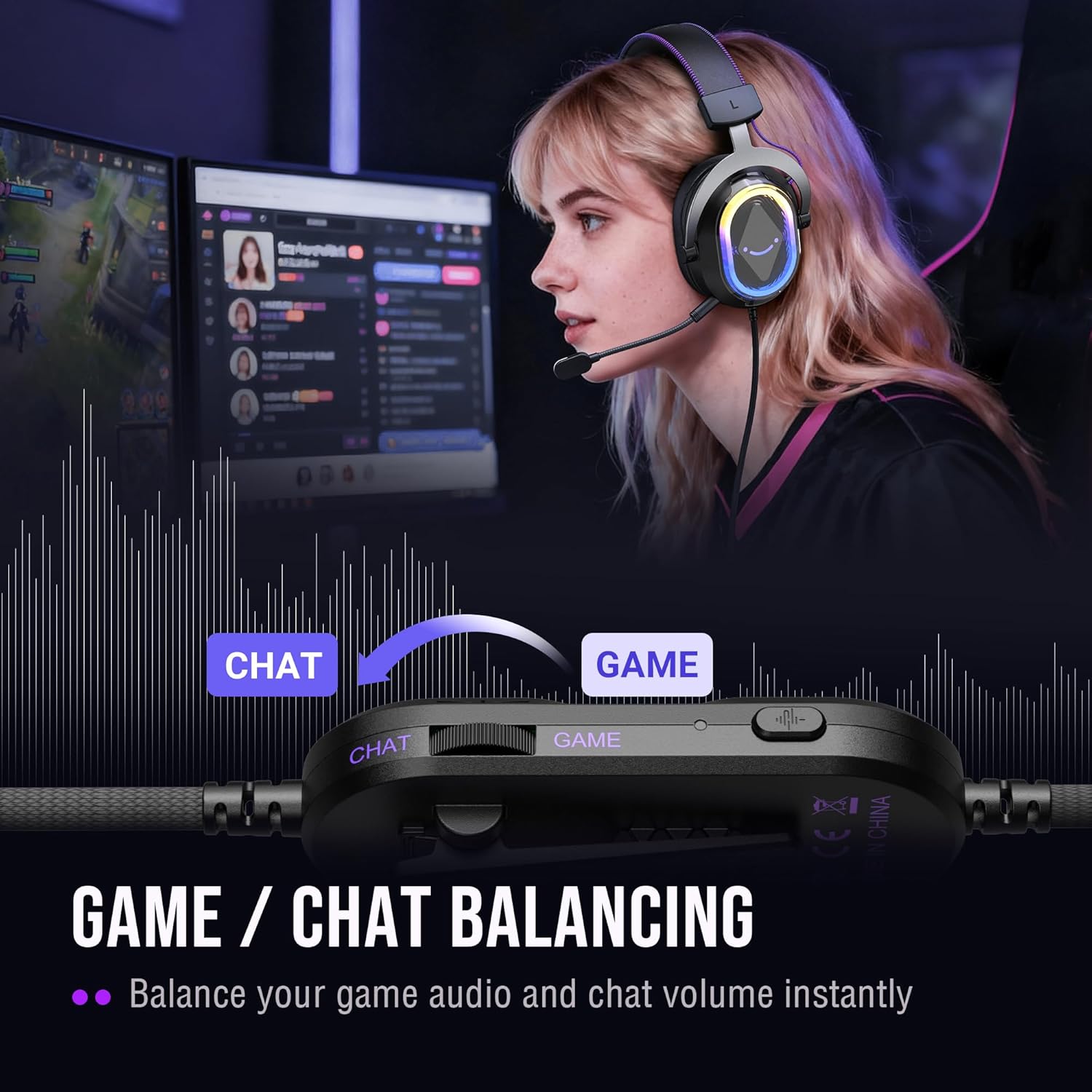
[Intuitive Fingertip Control] Manage full audio control at your fingertips with USB CONTROL BOX: activate immersive 7.1 surround sound, fine-tune your gaming headset volume, switch EQ game modes, and banlance your game/chat audio for find the precise direction in the game. One-click mute and noise canceling button for the mic ensure your communication without background distractions, focus on your gameplay victory. (Tip: The indicator of the mic glows red when muted. Long press the EQ button to return to default mode.)
Customers say
Customers find the gaming headset’s sound quality excellent, with voice coming through loud and clear, and appreciate its great build quality and value for money. The headphones are comfortable, with customers noting they can wear them for hours without discomfort, and feature attractive design and flowing RGB lighting. Customers praise the soft memory foam ear cushions and reliable performance across PC systems.





Reviews
There are no reviews yet.